Skip to content

Since its launch in 1985, Microsoft Windows has shaped the way the world uses computers. From the bare-bones graphics interface of Windows 1.0 to the AI-enhanced functionalities of Windows 11, the operating system has been a determining factor in the way individuals engage with technology in their homes, schools, and businesses worldwide.
Why does this matter today? The Windows OS history caused the Windows operating system to be installed on all computers. It is not merely a reflection of the development of Microsoft but of the further development of computing as a whole. Each release, be it a success such as Windows XP or a failure such as Microsoft Vista, has brought about milestones that advanced digital innovation. This is a timeline of the entire Microsoft Windows operating system.
Windows OS Evolution — A Complete Timeline
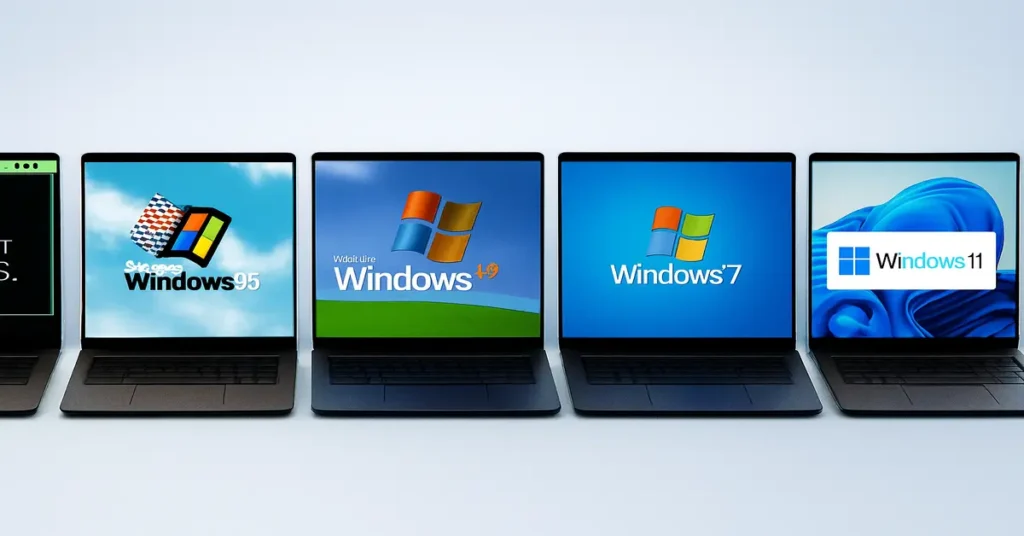
The evolution of Windows reflects how personal computing has grown over nearly four decades. Each version from the basic interface of Windows 1.0 to the modern design of Windows 11 introduced new features, hardware support, and usability improvements. Below is a timeline of the most important Windows milestones that shaped both business and everyday life.
Windows 1.0 (1985) — The Beginning
In 1985, Microsoft introduced Windows 1.0, its first graphical interface built on top of MS-DOS. It was a major step toward making PCs more user-friendly, allowing people to interact with their machines visually instead of typing only commands.
Key features included:
A mouse-driven interface (still new at the time).
Simple built-in apps like Paint, Calculator, and Notepad.
Basic multitasking, though still limited by DOS.
While Windows 1.0 wasn’t a commercial success, it opened the door for modern desktop computing and marked the beginning of the Windows OS history that still dominates today.
Windows 2.0 (1987) — Overlapping Windows
Released in 1987, Windows 2.0
improved usability with features that would become staples of the OS. It introduced resizable and overlapping windows, making multitasking easier and more natural.
Key upgrades included:
- Support for the Intel 286 processor improved performance.
- Keyboard shortcuts for efficiency.
- Bundled applications like Microsoft Word and Excel, which quickly boosted adoption in offices.
Although it still relied heavily on MS-DOS, Windows 2.0 laid the foundation for the Microsoft Windows timeline
that would soon dominate both business and home computing.
Windows 3.0 and 3.1 (1990–1992) — The Breakthrough
Microsoft’s real breakthrough came with Windows 3.0 in 1990 and Windows 3.1 in 1992. These versions finally made Windows mainstream by offering a smoother, more colorful interface and stronger app support.
Key highlights:
Introduced Program Manager and File Manager for easier navigation.
Added TrueType fonts, enabling professional-quality printing.
Expanded multimedia support (sound cards, CD-ROMs).
Widespread adoption in both homes and businesses, cementing Windows as a dominant OS.
With Windows 3.x, developers embraced Microsoft’s ecosystem, and the OS gained massive popularity worldwide. It was the stepping stone to the revolutionary Windows 95 release.
Windows 95 (1995) — A New Era
One of the most significant operating systems ever, Windows 95, was released by Microsoft in August 1995. It brought the Taskbar and Start Menu, which served as the cornerstones of the Windows experience for many years. Additionally, it included Internet Explorer, which signaled Microsoft’s foray into the web era.
Plug-and-play hardware support, which simplified device installation. With the help of an international marketing campaign, Windows 95 made Microsoft a household name and introduced personal computers into more homes. It continues to be a legendary moment in the history of Windows OS.
Windows 98 & ME (1998–2000) — Internet Comes First
Released in 1998, Windows 98 was designed for consumers. It offered stronger USB support and tighter web integration, aligning with the internet boom of the late 1990s.It introduced Windows Media Player and the first version of System Restore, features that laid the groundwork for later systems. In 2000, Windows ME (Millennium Edition) followed, but it quickly gained a reputation for instability and frequent crashes. While it aimed at home users, ME is still remembered as one of Microsoft’s least reliable releases.
Windows 2000 & XP (2000–2001) — Enterprise Meets Consumer
At the start of the new millennium, Microsoft released Windows 2000, an operating system built on the NT (New Technology) kernel. Unlike earlier versions that relied on DOS, Windows 2000 was designed for business and enterprise use, offering stability, file systems (NTFS), and improved networking. It became a favorite in offices, powering servers and workstations with features like Active Directory, Plug-and-Play hardware support, and stronger encryption.
In 2001, Microsoft blended this enterprise-grade by introducing Windows XP. With its colorful Luna theme, support for multimedia devices, and simplified control panels, XP redefined what a home operating system could be. It offered fast user switching, advanced wireless networking, and robust DirectX integration, which made it a top choice for gamers.XP’s biggest achievement was its longevity.
Despite later releases, many businesses and individuals stuck with XP for more than a decade because of its speed, reliability, and compatibility with both old and new software. In fact, even after official support ended in 2014, XP still powered ATMs, government systems, and small businesses worldwide. The release of XP marked a turning point in the Windows OS history
, showing Microsoft’s ability to combine enterprise-grade architecture with a consumer-friendly experience.
Windows Vista (2007)
In 2007, Microsoft launched Windows Vista with high expectations. It introduced the Aero Glass interface, giving Windows a sleek, transparent design, and added built-in tools like Windows Defender to combat spyware. Security was a central theme: the new User Account Control (UAC) limited admin access, aiming to reduce malware risks. Despite these innovations, Vista quickly earned criticism.
Its high system requirements meant many PCs ran sluggishly after upgrading, and frequent UAC pop-ups frustrated users. Hardware and driver incompatibilities added to the backlash, leaving businesses hesitant to adopt it.Vista is remembered as a bold attempt at modernization that arrived before average hardware could handle it. While it introduced technologies that shaped future versions, its poor reception forced Microsoft to regroup and respond with a much-loved successor.
Windows 7 (2009)
Released in 2009, Windows 7 corrected many of Vista’s missteps. It offered faster boot times, a streamlined interface, and an improved taskbar that allowed pinning frequently used apps. Microsoft also focused on touchscreen support, anticipating the rise of tablets and hybrid laptops. Windows 7 became an instant success. Both home and business users praised its stability, compatibility, and ease of use. It avoided Vista’s heavy resource demands, running smoothly even on older machines. This balance of speed and reliability made it the world’s most popular desktop OS for years. Even after newer versions arrived, Windows 7 maintained a loyal following. Extended support lasted until 2020, reflecting how trusted it became across industries.
Windows 8 and 8.1 (2012–2013)
In 2012, Microsoft took a radical turn with Windows 8. The traditional Start Menu was replaced by a Start screen with live tiles, optimized for tablets and touchscreens. This bold redesign blurred the line between desktop and mobile, but many users found it confusing. Windows 8 also integrated OneDrive cloud storage, improved boot speeds, and supported full-screen “Metro” apps. Yet its departure from familiar navigation created friction, particularly in workplaces.
To address complaints, Microsoft released Windows 8.1 in 2013. It restored some desktop functionality and offered users the option to boot directly to the desktop instead of the tile interface. While it was an improvement, the damage to user trust had already been done. Windows 8 remains one of Microsoft’s most polarizing releases, remembered more for its design gamble than for its features.
Windows 10 (2015)
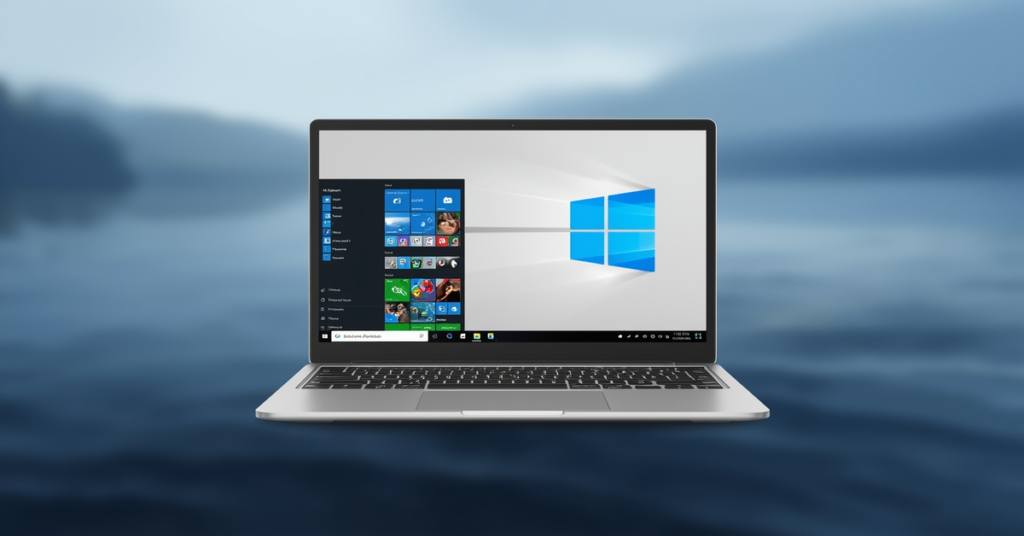
Windows 10 launched in 2015 as a unifying platform for PCs, tablets, and even Xbox consoles. It brought back the hybrid Start Menu, blending classic navigation with live tiles. Microsoft also introduced Cortana, its voice assistant, and Microsoft Edge, a new browser built to replace Internet Explorer.
One of Windows 10’s biggest changes was its service model. Instead of releasing entirely new versions, Microsoft positioned it as “Windows as a Service”, providing continuous feature updates. This approach allowed for faster innovation but also meant frequent system changes that some users found disruptive.
Windows 10 quickly gained massive adoption, thanks in part to Microsoft offering it as a free upgrade from Windows 7 and 8. Over time, it became the most widely used version, praised for balancing speed, security, and compatibility.
Windows 11 (2021)
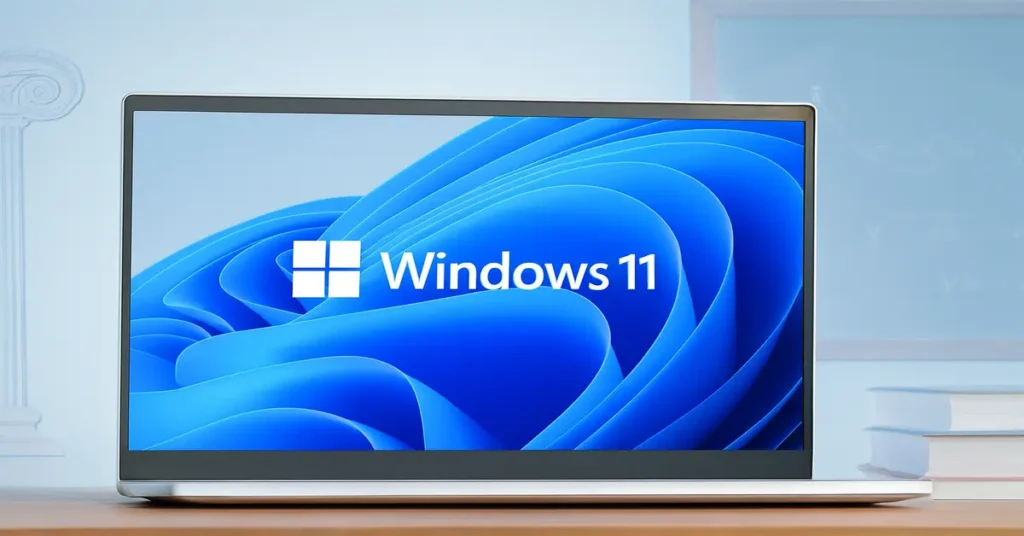
Launched in 2021, Windows 11 introduced a modern, centered Start Menu and a minimalist design inspired by macOS and mobile platforms. Its aesthetic focused on productivity and simplicity, aligning with a new era of hybrid work. Beyond looks, Windows 11 emphasized performance. It delivered gaming features such as Auto HDR and DirectStorage, offering console-level experiences on PCs.
The system also integrated Android app support via the Amazon Appstore, blurring lines between desktop and mobile ecosystems. Microsoft positioned Windows 11 as the future of secure computing. It required TPM 2.0 hardware, ensuring stronger defenses against ransomware and firmware attacks. Productivity features like Snap Layouts and tighter Microsoft Teams integration reflected how work had shifted during and after the pandemic.
Windows 11 (2025 Upgrade)
Windows 11 in 2025 continues evolving, with Microsoft rolling out version 25H2 after 24H2. This upgrade emphasizes Microsoft’s shift toward AI-first usability, more seamless workflows, and deeper user customization while balancing security (TPM, support cycles) and performance.
Here are key highlights of what’s new or coming:
AI deepening: More “AI actions” are built into File Explorer’s context menu so you can do things like summarize, blur backgrounds, or remove objects quickly.
“Click to Do” & Copilot enhancements: Better integration of Copilot with tasks like translating screen text, prompt suggestions, and sharing insights directly from the taskbar.
UI polish & customization: Updates to the Taskbar, Widgets, lock screen, and search UI, more grid views, better image handling, and more control over widgets.
Hardware & performance considerations: For “Copilot+ PCs” especially, external camera support (for AI video effects), studio effects, improvements in power management, and smoother experience are in preview or being expanded.
How windows Shaped the Digital World
From Windows 1.0 in 1985 to the AI-powered Windows 11 upgrades of 2025, Microsoft’s operating system has done more than just evolve it has defined the way billions of people work, learn, and connect. Each version reflected the demands of its era: Windows 95 brought the internet to homes, Windows XP powered a generation of offices and gamers, Windows 7 restored trust in stability, and Windows 11 is now rewriting productivity with AI and hybrid workflows.
The impact of Windows extends far beyond software. It helped make personal computers accessible to everyday users, became the backbone of business IT, shaped online communication, and now sets the stage for an AI-driven future. Looking back at the Windows OS history reminds us that operating systems aren’t just tools; they are cultural milestones. Understanding this journey makes it clear why Windows remains a central part of the digital world’s foundation, and why its role will continue to matter in shaping technology for decades to come.
FAQs
Windows 1.0 was launched on November 20, 1985, introducing a graphical interface on top of MS-DOS.
Windows XP and Windows 10 are widely considered the most successful, thanks to their long lifespans, stability, and massive global adoption.
Despite new security and design features, Vista required powerful hardware, ran slowly on many PCs, and suffered from compatibility issues.
The 2025 update adds AI-powered actions in File Explorer, better Copilot integration, and more customization for widgets, taskbar, and lock screen.
Yes. Windows 11 improves performance with DirectStorage, Auto HDR, and memory optimizations, making it better for gaming and multitasking.

Ansa is a highly experienced technical writer with deep knowledge of Artificial Intelligence, software technology, and emerging digital tools. She excels in breaking down complex concepts into clear, engaging, and actionable articles. Her work empowers readers to understand and implement the latest advancements in AI and technology.