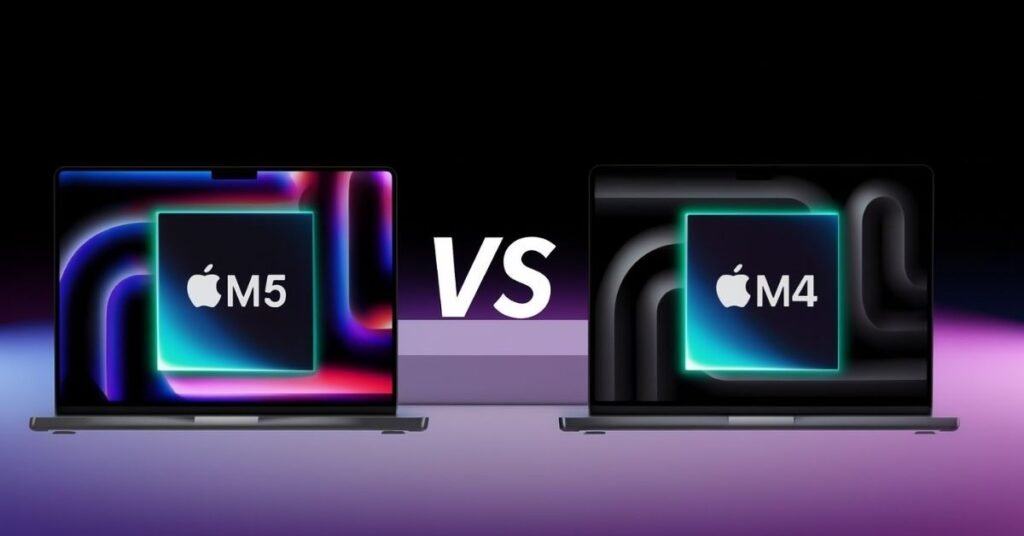
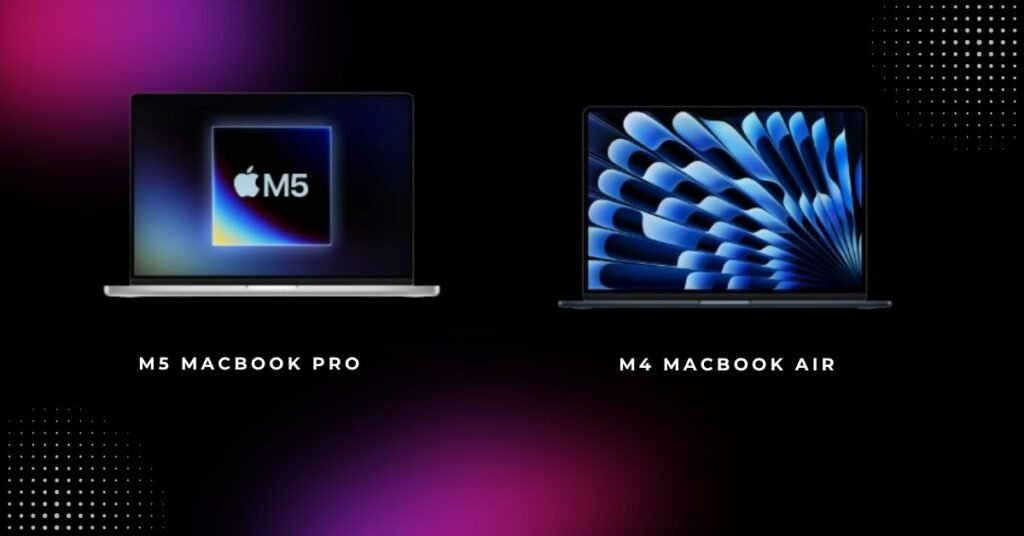
The M5 MacBook Pro and M4 MacBook Air have generated a tremendous amount of conversation in Apple’s range of laptops for next year (2026) since they appeal to very different target markets. The main selling point of the M5 MacBook Pro is its next-generation performance capabilities, as well as superior on-device AI processing capabilities and a prosumer-friendly display designed for demanding professional applications.
On the other hand, the M4 MacBook Air continues to stand out for its ultra-light design, silent efficiency, and impressive all-day battery life, making it a favorite among students and everyday users.
In 2026, as AI-driven tasks, 4K content creation, and heavy multitasking become part of daily computing, this comparison goes far beyond raw specifications. M5 MacBook Pro vs M4 MacBook Air is ultimately a real-world test of performance, value, and future-proofing. This guide breaks down how both laptops perform in practical use, comparing display quality, battery life, pricing, and long-term usability to help buyers make a confident decision.
M5 MacBook Pro vs M4 MacBook Air: Which One Makes More Sense in 2026?
In 2026, the decision to purchase either the M4 MacBook Air or the M5 MacBook Pro really depends on how you use your laptop daily. The M5 MacBook Pro is designed for people who require high-performance computing regularly, such as video editing, software programming, or AI-based workflows. This laptop has the ability to operate at peak performance with an active cooling system, a brighter XDR display, and better multi-core performance, so it can run long-duration tasks without ever getting sluggish. On the other hand, the M4 MacBook Air is a great solution for someone who does only light to moderate work, has a silent computer, has an excellent battery life, and weighs little, making it easy to transport.
When we look at this within the context of high-value items versus low-value items, the picture begins to emerge; looking at future needs (and therefore the future of the product) will narrow your decision. With an ever-increasing number of apps requiring more power and on-device A.I. being standard in macOS, the M5 MacBook Pro facilitates more long-term headroom and therefore better future-proofing than the M4; however, if you are primarily using the Mac for portable computing (i.e., web, writing, light creative), you should be just fine for 2026 with the M4 MacBook Air. At the end of the day, this comparison ultimately comes down to selecting a Mac that fits your use case, budget, and future expectations of the Mac.
M5 MacBook Pro vs M4 MacBook Air: Key Differences at a Glance
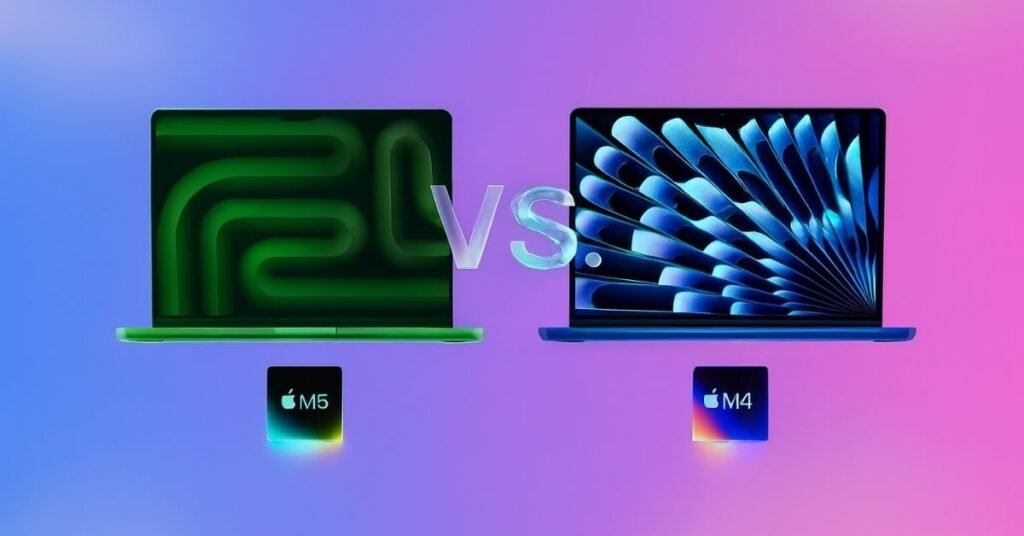
The M5 MacBook Pro vs M4 MacBook Air argument begins with the technical differences between them. The M5 specifications feature next-gen architecture with improved CPU cores and GPU performance that simply crushes the last generation. For everyday tasks, the M4 version is still very powerful, though old for one generation.
RAM bandwidth separates these machines significantly. The M4 is limited to a maximum of 100GB/s in the memory bandwidth department, while the M5 offers up to 120GB/s unified memory bandwidth, and this disparity can have an impact on multitasking performance when you are trying to run multiple intensive applications at once.
Processing units have an interesting story to tell. The 2 systems both have configs with different core processors; the M5 is fundamentally better in multi-core CPU performance due to architecture optimization and AI engine software upgrade.
Technical Specifications Comparison
| Feature | M5 MacBook Pro | M4 MacBook Air |
|---|---|---|
| Chip | Apple M5 (3nm enhanced) | Apple M4 (3nm) |
| CPU Cores | 10-core (4 performance + 6 efficiency) | 8-core (4 performance + 4 efficiency) |
| GPU Cores | 10-core base | 8-core base |
| Neural Engine | 16-core, 38 TOPS | 16-core, 34 TOPS |
| Unified Memory | 16GB/24GB/32GB | 8GB/16GB/24GB |
| Memory Bandwidth | 120 GB/s | 100 GB/s |
| Display | 14.2″ Liquid Retina XDR | 13.6″ Liquid Retina |
| Refresh Rate | 120Hz ProMotion | 60Hz |
| Brightness (Peak) | 1600 nits XDR | 500 nits SDR |
| Ports | 3x Thunderbolt 4, HDMI, SD card | 2x Thunderbolt 4 |
| Cooling | Active fan system | Passive (fanless) |
| Weight | 3.5 lbs (1.6 kg) | 2.7 lbs (1.24 kg) |
Key distinctions worth noting
- Active cooling allows sustained performance without throttling.
- XDR screen technology transforms content creation workflows.
- Additional ports eliminate dongle dependency.
- Neural processing handles on-device AI tasks faster.
- Wi-Fi 6E provides wireless connectivity improvements.
Design & Build: Slim Air or Sleek Pro — Which One Feels More Premium?
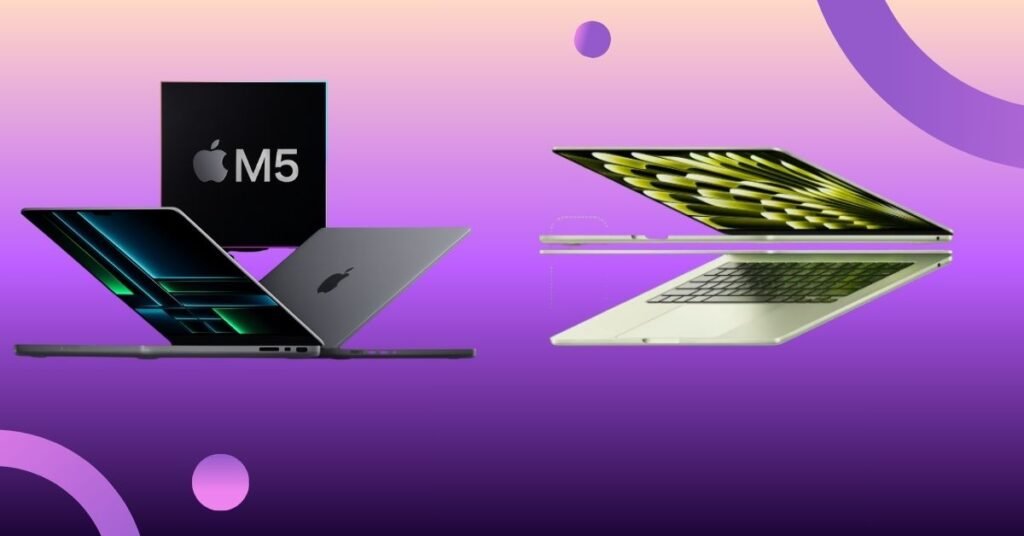
The M4 MacBook Air maintains its iconic wedge-inspired profile at just 0.44 inches thick. Its featherlight 2.7-pound frame makes it disappear in any backpack. The M4 design prioritizes portability above everything else, sacrificing nothing in build quality.
The M5 MacBook Pro is even thicker, 0.61 inches all around. This additional thickness is home to the active cooling system necessary for prolonged workloads. It’s still heavier than most Windows alternatives, at 3.5 pounds.
Both machines feature identical aluminum unibody construction. Build quality feels identical — premium, solid, and reassuringly expensive. The midnight and starlight finishes show fingerprints equally, while space gray and silver remain cleaner.
Ergonomic considerations
- MacBook Air’s tapered edge feels thinner than measurements suggest.
- Pro’s squared edges provide better grip when carrying.
- Keyboard travel is identical at 1mm across both models.
- Trackpad size is nearly equivalent despite chassis differences.
- Hinge stability is excellent on both machines.
Performance vs Portability: The Real Difference You’ll Notice Daily
Within a few minutes of using either the M5 MacBook Pro or M4 MacBook Air, a difference can be seen between performance and portability in normal use. The M5 MacBook Pro maintains a fast and responsive experience during lengthy editing sessions, performing many tasks at the same time, and AI-related tasks without any slowdown. In contrast, the M4 MacBook Air feels effortless for browsing, writing, meetings, and light creative work, especially when mobility matters more than raw power.
For people who are constantly on the go, portability is what defines day-to-day usage. The lightweight and fanless design of the M4 MacBook Air makes it an excellent choice for movement, classrooms, and cafés in 2026. On the other hand, the M5 MacBook Pro sacrifices some portability for sustained performance, making it more suitable for desktop-type workflows where speed, thermal stability, and consistency of output are more critical than the weight of the device.
Display Comparison: Brightness, Color Accuracy, and Refresh Rate Differences
Here’s where the M5 MacBook Pro vs M4 MacBook Air divergence becomes dramatic. The Liquid Retina XDR display technology in the M5 model delivers 1600 nits peak brightness for HDR content. Standard content hits 1000 nits sustained, making outdoor work actually viable.
The M4 model’s Retina display maxes out at 500 nits. This suffices for indoor environments but struggles in direct sunlight. Coffee shop workers will notice the limitation immediately when competing with the window glare.
The M5 specs are toting 120Hz adaptive refresh rates courtesy of Promotion technology. Scrolling is super smooth (like butter), the animations feel more fluid, and it all just feels that touch more premium. The M4 variant uses a stock 60Hz refresh, which feels distinctly less responsive.
READ ALSO: Why Xiaomi 17’s Snapdragon 8 Elite Gen 5 Is a Game-Changer for Android Flagships in 2026
Color accuracy metrics
- Both panels cover 100% of the P3 wide color gamut.
- Delta E values under 1.5 for professional color work.
- True Tone adjusts white balance based on ambient lighting.
- High-resolution display quality is exceptional on both machines.
- Mini-LED backlighting in the Pro model enables deeper blacks.
Manually or auto video expert? Cutting-edge pros will appreciate Pro’s ability to render Burst-encoded HDR material. The superior performance when colour grading more than justifies the premium for photographers and videographers who require accuracy.
Performance Test: M5 MacBook Pro vs M4 MacBook Air in Real-World Usage
Benchmark numbers tell part of the story. The M5 model scores approximately 3,100 single-core and 14,500 multi-core in Geekbench 6. The M4 specs deliver around 2,900 single-core and 11,200 multi-core.
GPU performance widens the gap further. Graphics power in the M5 version reaches roughly 45,000 points in Metal benchmarks compared to the M4 design’s 35,000. This graphics performance difference matters tremendously for 3D rendering and gaming visuals.
Real-world testing reveals more practical insights. Exporting a 10-minute 4K video in Final Cut Pro takes 3 minutes 45 seconds on the M5 MacBook Pro. The same project requires 5 minutes and 20 seconds on the M4 MacBook Air.
Task-specific results
- Photo batch processing: 500 RAW files to JPEG takes 2m15s (M5) vs 3m40s (M4).
- Code compilation: Large Xcode project builds in 1m50s (M5) vs 2m35s (M4).
- 3D rendering: Blender BMW scene renders in 4m10s (M5) vs 6m25s (M4).
- AI computation: Stable Diffusion image generation 35% faster on M5.
- Gaming: Resident Evil Village runs at 62 fps (M5) vs 48 fps (M4).
The Neural Accelerator in the M5 version processes AI tasks noticeably quicker. Local AI work, like image upscaling and background removal, benefits from the enhanced neural processing capability. The performance boost becomes evident when running multiple AI-powered features simultaneously.
Faster loading times appear consistently across both machines for everyday tasks. The processing speed advantage of the M5 model becomes apparent only during sustained, demanding workloads where real-time rendering and lighting effects matter.
Battery Life & Efficiency: How Apple’s M5 Chip Redefines Longevity
Apple claims 22 hours of video playback for the M5 MacBook Pro and 18 hours for the M4 MacBook Air. These estimates are reflective of independent testing that has proven conservative. For those who are more creative or need power for other reasons, real-world mixed usage will last about 14-16 hours on the Pro and around 12-14 hours on the Air.
Increased power draw from the XDR screen and active cooling is offset in the M5 specs by a bigger, 70Wh battery. Despite the smaller capacity, a 52.6Wh battery inside the M4 model can move beyond time and space with passive cooling efficiency.
Charging speeds differ noticeably. The M5 version comes with a 96W adapter that takes it to half in 35 minutes. And the M4 has a 67W charger to match in 45 minutes.
Battery performance breakdown
- Web browsing: 15 hours (M5), 13.5 hours (M4).
- Video streaming: 18 hours (M5), 16 hours (M4).
- Video editing: 8 hours (M5), 6.5 hours (M4).
- Gaming: 5 hours (M5), 4.5 hours (M4).
The M5 model’s enhanced performance doesn’t sacrifice efficiency. Architectural improvements in the AI chip and processing units deliver better performance per watt.
Thermals and Cooling: Does the MacBook Pro Stay Cooler Under Load?
The fanless M4 MacBook Air relies entirely on passive heat dissipation. During light tasks, chassis temperature stays comfortable. Push sustained workloads, and the bottom plate warms noticeably.
Active cooling in the M5 MacBook Pro vs the M4 MacBook Air comparison changes everything. The single fan stays silent during typical usage. Under heavy load, it spins up audibly but never becomes intrusive.
Surface temperature measurements tell the story clearly. After 30 minutes of 4K video export, the M4 model’s bottom reaches 108°F (42°C). The M5 version maintains 95°F (35°C) in the same scenario.
Thermal Performance Comparison
| Test Scenario | M5 MacBook Pro | M4 MacBook Air |
|---|---|---|
| Idle | 82°F (28°C) | 80°F (27°C) |
| Web browsing | 85°F (29°C) | 86°F (30°C) |
| Video export | 95°F (35°C) | 108°F (42°C) |
| Gaming (1 hour) | 98°F (37°C) | 112°F (44°C) |
Throttling behavior:
- M4 Air throttles after 4-5 minutes of sustained load.
- Performance drops roughly 15-20% during throttling.
- M5 Pro maintains full performance indefinitely.
- Ray tracing cores and advanced graphics remain stable on Pro.
The capability for sustained multi-core CPU workloads separates these machines fundamentally. Content creators rendering lengthy projects will appreciate the M5 model’s consistent performance.
Price-to-Value Breakdown: Are You Overpaying for the Wrong Mac?
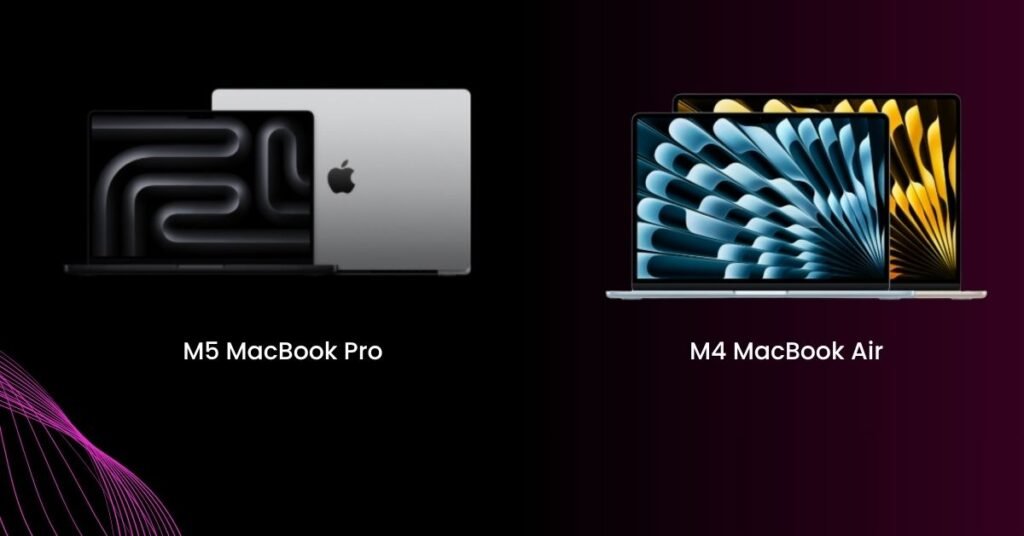
In 2026, when comparing M5 MacBook Pro laptops with M4 MacBook Air models, it is a question of whether performance or storage is more important for you. The M4 MacBook Air is less expensive than the M5 at base configurations; however, if you want to upgrade RAM and/or storage, the cost of the M4 will become closer to that of the M5, making it critical to compare value as well as price when making a decision.
Price & Configuration Table (2026)
| Configuration | M5 MacBook Pro (2026) | M4 MacBook Air (2026) |
|---|---|---|
| Base | 16GB RAM / 512GB SSD – $1,599 | 8GB RAM / 256GB SSD – $1,199 |
| Mid | 24GB RAM / 512GB SSD – $1,799 | 16GB RAM / 512GB SSD – $1,599 |
| High | 24GB RAM / 1TB SSD – $1,999 | 24GB RAM / 1TB SSD – $1,999 |
| Student Discount | Save $100-$150 | Save $100-$150 |
| AppleCare+ | $379 | $279 |
| Resale Value (3 yrs) | 55–65% | 55–65% |
Future-Proofing & Upgrade Potential: M5 MacBook Pro vs M4 MacBook Air Longevity
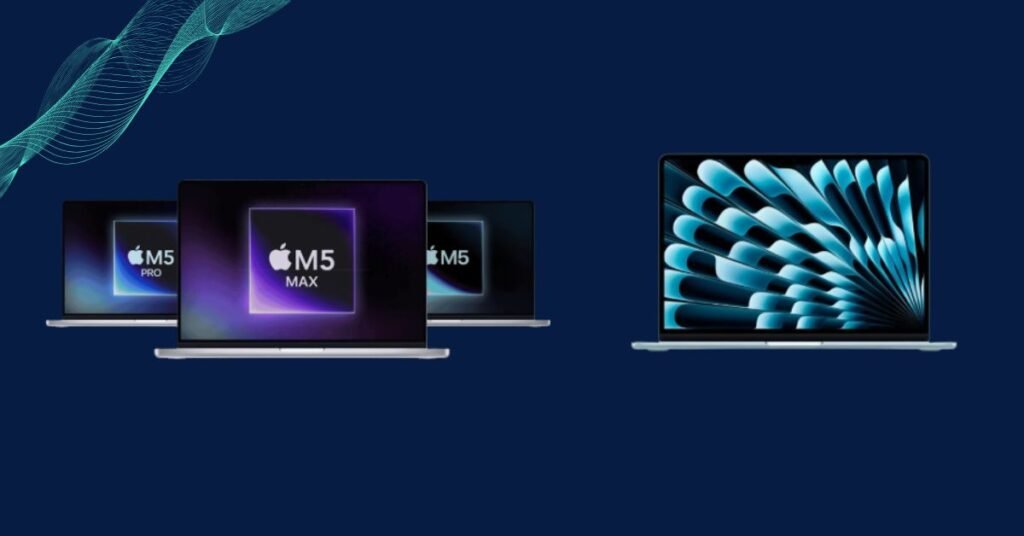
Apple’s policy is to support Macs via macOS updates for seven years. Both the M4 and M5 models should be good to update through at least 2031/32.
Performance headroom differs substantially. The M5 model’s superior performance provides headroom against emerging software workloads. The performance received in terms of task efficiency accumulates as applications become increasingly resource-hungry.
RAM proves critical for longevity. Today,16GB seems like plenty, but it will be a limiting factor in three years. 24GB configurations offer comfortable headroom for demanding users.
READ ALSO: Best iPhone 17 Pro Max Cases: Stylish, Protective & Worth Buying Right Now
Longevity factors:
- Processing units in M5 handle upcoming AI features better
- Ray tracing cores future-proof gaming capabilities
- Wi-Fi 6E extends wireless internet relevance
- Additional ports maintain relevance as dongle fatigue intensifies
- XDR screen technology has remained cutting-edge for 5+ years
Local AI processing will rule Intel and AMD’s next class of computing. The M5 MacBook Pro has a high-performance AI engine compared to the M4 one in the MacBook Air, making it more ready for on-device AI features in future macOS releases.
Final Verdict: Should You Buy the M5 MacBook Pro or Stick With the M4 MacBook Air?
The M5 MacBook Pro vs M4 MacBook Air decision hinges on your specific workflow requirements. Power users who export video, compile code, or run intensive applications benefit immediately from the M5 model’s sustained performance.
Portability-focused users find the M4 design’s lighter weight compelling. Students, writers, and casual users rarely tax the system enough to encounter thermal throttling.
Budget-conscious buyers should configure wisely. The base M4 Air at $1,199 represents poor value with only 8GB RAM. Stepping to 16GB/512GB at $1,599 matches the M5 Pro’s base price.
Choose the M5 MacBook Pro if:
- Video render / 3D work is your workflow for this box.
- Sustained multithreaded performance matters.
- Display quality justifies the investment.
- Extra ports eliminate adapter frustration.
Choose the M4 MacBook Air if:
- Portability is top of the list -If you want to take your system with you.
- Budget caps below $1,400.
- Silent operation matters.
- Light productivity defines typical usage.
The performance boost in the M5 version translates to real productivity gains for professionals. For casual users, that speed enhancement rarely manifests meaningfully.
FAQs
Is M5 vs M4 worth it?
If your primary need is a laptop that can withstand the rigours of time and demand on its system – then the M5 will give you these benefits. The M4 MacBook Air however does provide great day-to-day value also.
Which is better, the MacBook Air or the MacBook Pro?
The M5 will clearly give you a better laptop for long-term performance and can handle higher workload requirements such as photo editing, video editing, etc., while the M4 will give you a better lightweight, portable, everyday laptop.
What is the battery life of the M4 air vs M5 pro?
The MacBook Air (M4) will approximately last from 12-14 hours based on typical mixed use. The MacBook Pro (M5) has a larger capacity battery than the M4; therefore, the MacBook Pro will last from 14-16 hours and has an efficiency in the use of resources.
Is M4 Pro faster than M5?
No, the M4 Pro is not quicker than an M5; the performance of M5 by Apple is typically greater than both CPU & GPU when operating under multi-threads or workloads that are continuous.
Why is the M4 more expensive than M5?
The M4 has a higher overall cost than some M5 configurations due to the pricing structure based on RAM and Storage. The M4 is much closer to being priced the same as entry-level M5 when you upgrade both memory and SSD to the same level as the M5.

Ansa is a highly experienced technical writer with deep knowledge of Artificial Intelligence, software technology, and emerging digital tools. She excels in breaking down complex concepts into clear, engaging, and actionable articles. Her work empowers readers to understand and implement the latest advancements in AI and technology.